YouTube Tips and Tricks
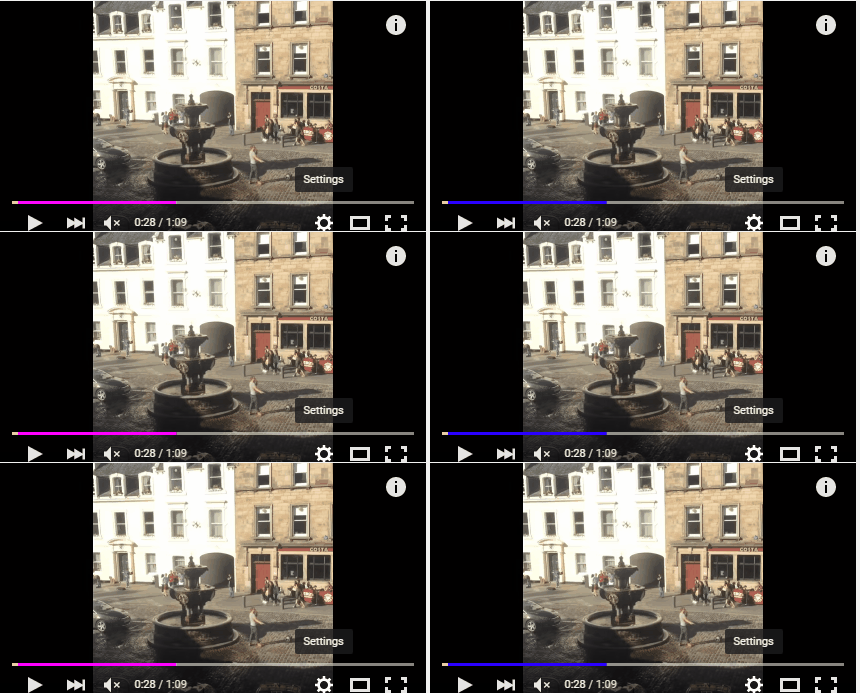
Awesome Progress Bar Select the video and click type out "awesome" without quotes. The progress bar blinks vibgyor. Play in HTML Format Add /html5 at the end of any YouTube video URL to make it load as HTML5 which is fast and effective as compared to Flash You can also navigate to https://www.youtube.com/html5 to select it as the default. Watch in Window Mode If you replace watch ?v= in the URL with v/ , you can watch the video in windowed mode and skip having to sign in. Keyboard Shortcuts Don't use the Space Bar to pause a YouTube video. Hit "K" instead to instantly pause it! Similarly use "J" and "L" to jump back and forth by 10 sec respectively in the video. There are the mid-right keys on the keyboard. J-K-L are the standard keys in a video editor software. L will also skip the ads. If your YouTube video take a long time to load, press the down arrow to turn the loading symbol into a game of Tetr...